Open .MPP Files and View, Print, or Export Gantt Charts — No Microsoft Project
Drop a .MPP or Microsoft Project XML file into Ingantt in your browser and it becomes an interactive Gantt chart you can zoom, scroll, filter, print, and export to PDF, PNG, or MS Project XML — nothing to install. Every task, sub-task, dependency, resource, milestone, and the critical path come through intact in about 30 seconds.


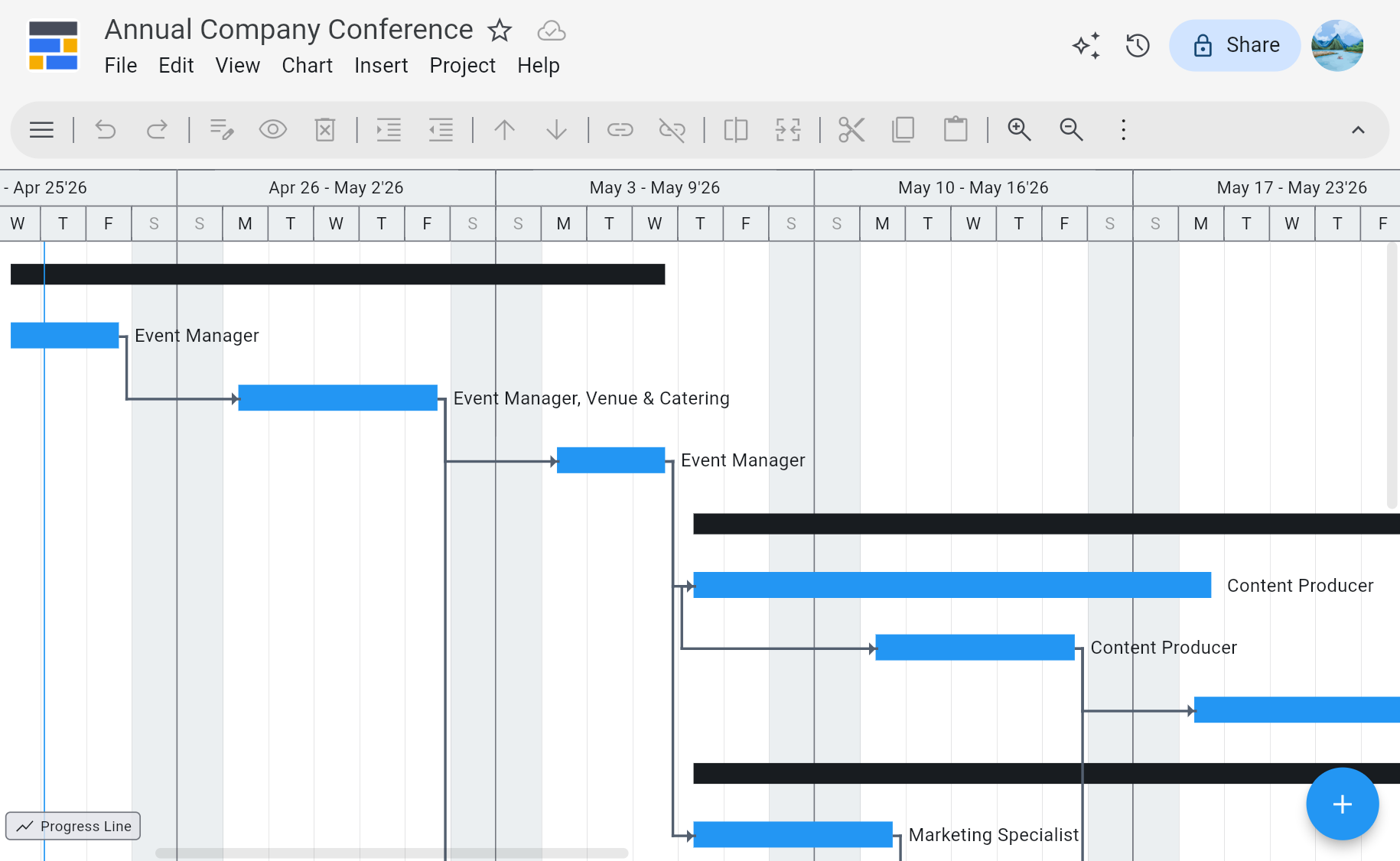
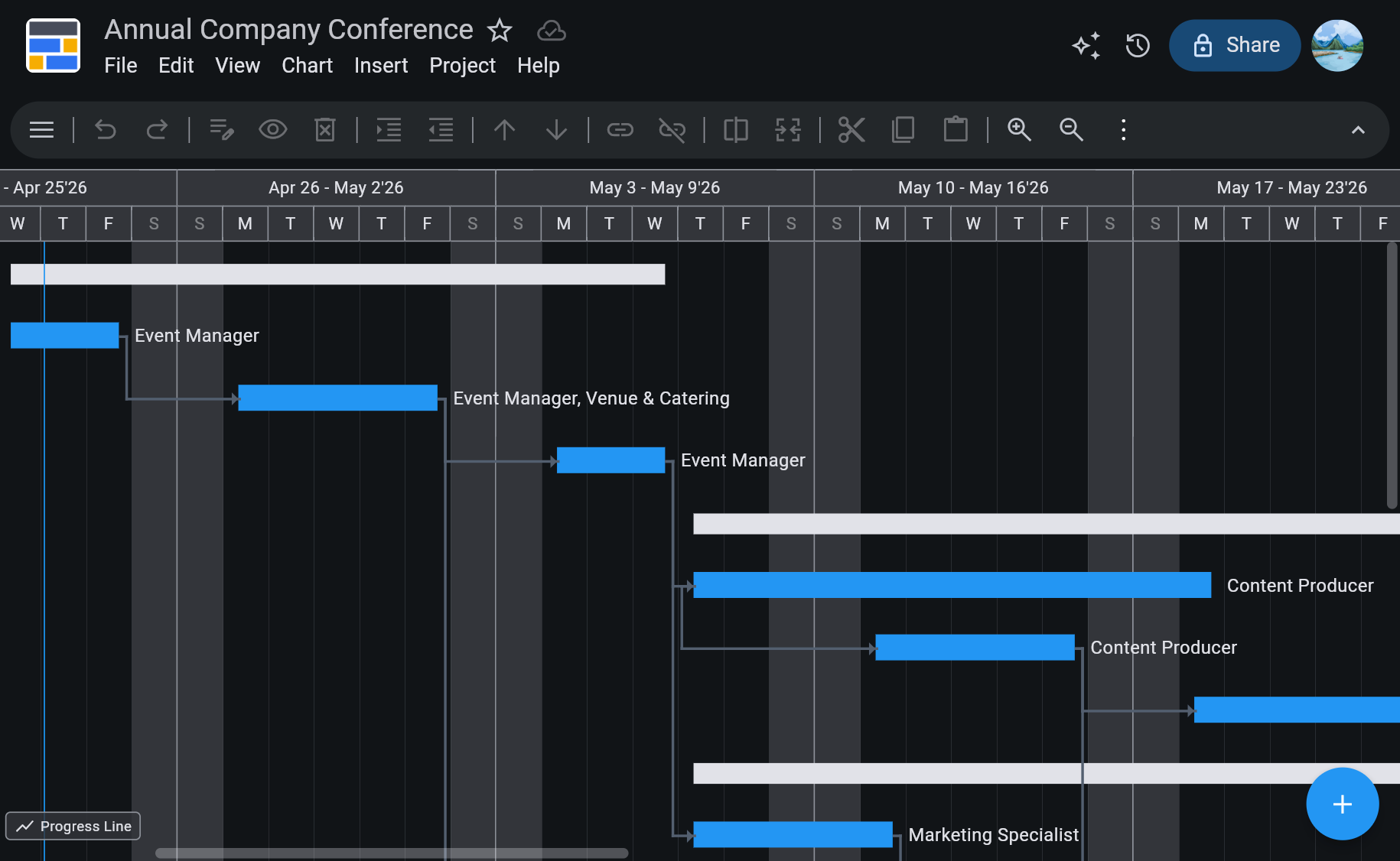
CONFERENCE.MPP
What a Real .MPP Opener and Gantt Viewer Should Actually Do
Reads the Real .MPP Binary
Parses Microsoft Project's native .MPP format and MS Project XML directly — not a task-list summary, not a screenshot. Tasks, sub-tasks, dependencies, milestones, and resources all come through intact.
Interactive, Not an Image
Zoom the timeline, scroll through phases, expand or collapse groups, hover any task for details. It's a real Gantt chart — not a flat PDF you can only scroll.
Print and Export Anywhere
Print the Gantt chart directly from the browser, or export to PDF and PNG at any zoom level — ready to attach to an email, drop into a slide deck, or pin on a wall.
Save Back to MS Project XML
After viewing or editing, export the file as MS Project XML so a colleague who still uses Microsoft Project can open it on the other end — no format lock-in.
Opens Project Online Exports
Project Online's retirement leaves you holding .MPP files with nothing to read them in. Those open here directly — see the Project Online alternative page.
See Ingantt in Action
Opening and Viewing .MPP Files — Questions People Actually Ask
Use Ingantt in your browser. It reads the .MPP binary format directly — no need for a Microsoft Project license, a Windows virtual machine, or a conversion service that emails you a PDF. Ingantt imports every task, sub-task, dependency, resource assignment, milestone, and the critical path, and renders the project as a full interactive Gantt chart. The 7-day free trial is enough for most one-off file-opening situations, and no credit card is required to start.
A Gantt viewer is a tool that opens a Gantt chart file — usually a Microsoft Project .MPP or .XML file — and displays the project as an interactive timeline. A real viewer lets you scroll across the schedule, zoom in and out, expand or collapse phases, and hover tasks to see dependencies, start and end dates, and resources. Ingantt is a browser-based Gantt viewer and editor, so you can open the same file on whatever device you have handy — and export changes back to MS Project XML when you need to.
Yes. Ingantt runs entirely in the browser — Chrome, Safari, Firefox, or Edge — on Mac, Windows, Linux, Chromebook, iPhone, iPad, or Android. Sign in with a Google account, upload the .MPP file or pick it from Google Drive, and the full project opens in the browser with zoom, scroll, and hover-for-details. Nothing is installed locally and nothing is downloaded. This is the right path if you're on a work machine where you can't install new software, or on a Linux or Chromebook where Microsoft Project was never an option.
Yes, all three. Ingantt prints the Gantt chart straight from the browser, and it exports to PDF and PNG at any zoom level — so whether you need a single-page overview or a wall-sized timeline across multiple pages, the layout stays clean. PDF is the usual pick for read-only sharing with stakeholders who don't need to touch the original file; PNG is handy for dropping into slide decks, Notion docs, or Slack messages; native print is fastest when you just want a hard copy.
Not as .MPP — Ingantt exports to MS Project XML, which Microsoft Project opens directly. The .MPP binary format is proprietary, undocumented, and essentially a Microsoft-only write target; MS Project XML is Microsoft's own interchange format and round-trips cleanly. So you can open an .MPP in Ingantt, make edits, export as MS Project XML, and hand the .xml file to a colleague who still uses Microsoft Project — they open it the way they open any project file. For read-only sharing with people who don't use Project at all, PDF or PNG is the right export.
In Ingantt, no — the import is lossless for the fields that matter. Tasks, sub-tasks, finish-to-start dependencies, resource assignments, work and duration, milestones, and the critical-path calculation all come through from the original .MPP file. Ingantt uses the same project structure Microsoft Project uses internally, so a Gantt chart that took an afternoon to build in Project still looks like the same Gantt chart after you open it in Ingantt. Freemium viewers that only show task lists or flatten the project into an image lose the dependency graph, which is usually the most important part of the plan.
Ingantt has a 7-day free trial with no credit card required to start, and the trial includes full .MPP import, viewing, editing, printing, and PDF/PNG/XML export — nothing is locked behind a "viewer edition" vs. "editor edition" split. For most people who only need to open or view a .MPP file once or a few times, the free trial covers the situation entirely. After the trial, paid plans start at $5.99 per user per month. If you work with vendors or clients who still use Microsoft Project, the paid plan is less than the cost of a single month of Microsoft 365 Project.
Open them here, in the browser. Microsoft's retirement date for Project Online is September 30, 2026, and projects saved out through Project desktop land as .MPP, so a completed export typically leaves a folder of .MPP plans and no service to read them in — often with the Microsoft Project licences gone at the same time. Ingantt parses the .MPP binary directly and rebuilds the project as an interactive Gantt chart, with sub-tasks, dependencies, resource assignments, milestones, baselines, and the critical path. The MS Project XML files the export produces alongside the .MPP open the same way.
Yes, provided you exported them before the service was switched off — the plans live in the exported files rather than in the service, and Ingantt reads those files. What it cannot do is recover anything that was never exported; Microsoft has not committed to a read-only period after retirement, so an un-exported project is not retrievable afterwards. If your exports are done, the .MPP and MS Project XML files are enough to keep the schedules working, and you can edit and reschedule them here rather than only view them.
No. Ingantt is designed so a non-PM stakeholder — an executive reviewing a delivery date, a client checking a milestone, a new team member getting oriented — can open a Gantt chart and read it without learning anything new. You scroll the timeline to see when things happen, hover a task to see who's on it, and expand a phase to see the tasks inside. There's no jargon to decode and no setup step beyond opening the file.